Affiliate Disclosure: purchases through affiliate links may earn a commission. Commission and buying-channel priority do not determine editorial rankings. Read the disclosure ↗
How We Chose · Methodology
Editorial selection compares official specifications and the existing published product research, including cited independent reviews where available. We prioritize shell and control requirements for this guide, disclose unknown values and receiver or firmware conditions, and do not claim hands-on tests. Position is an editorial field; merchant availability, affiliate commission and channel priority do not affect inclusion or order.
Claw-grip users comparing rear contact, width and finger reach. Fit is a research-based interpretation, not a measured PeriphPick hand score; relaxed and aggressive claw grips may favor different shells.
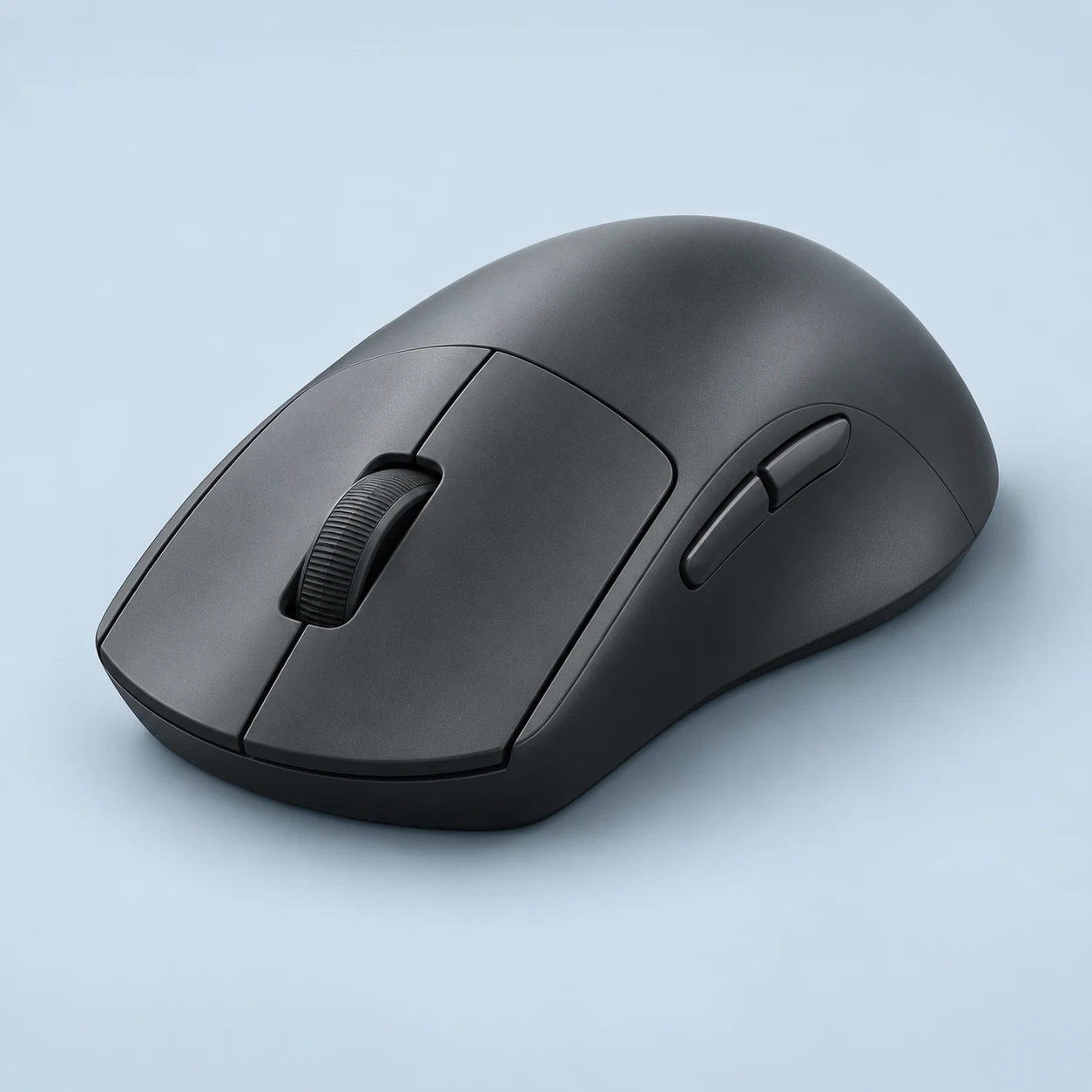
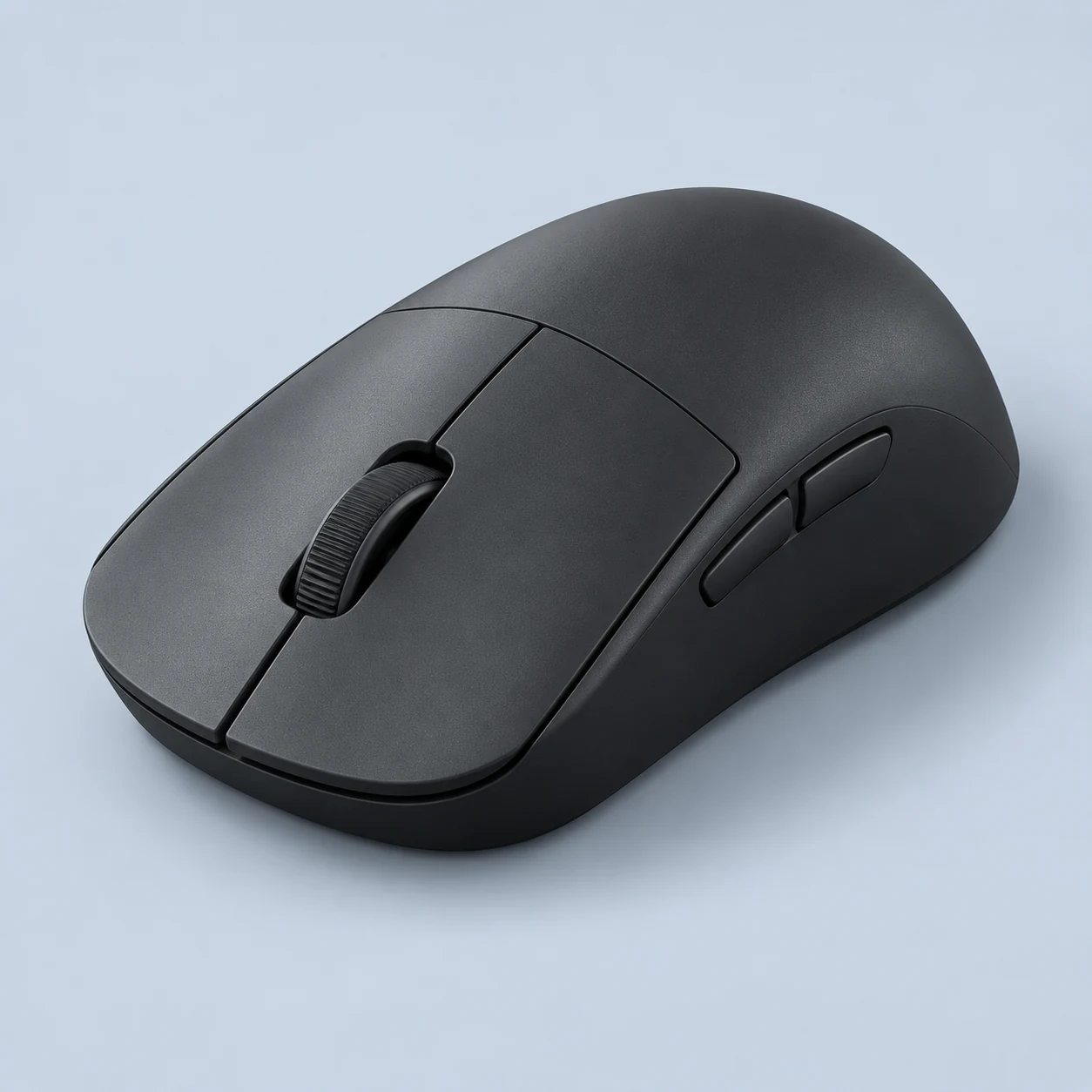
The medium X2 v3 combines a wide-waist, low-hump symmetrical shell with Pulsar's XS-1 sensor and optical main switches. Manufacturer dimensions are 120.4 by 63 by 38 mm, with 52 g plus or minus 1 g excluding cable. Standard reporting is 1K; 8K requires the separately purchased compatible receiver. Pulsar positions the shape toward claw and fingertip use and provides Windows configuration. Exact battery, physical-button and additional connection details remain unconfirmed rather than being copied from X2 Mini, eS or CrazyLight variants.
The X2v3 Medium offers a 52 g symmetrical body to compare for claw contact. Check the documented dimensions and the product grip analysis rather than assuming all X2 sizes fit alike.
Best For
Claw or fingertip users who deliberately prefer a wider waist and lower hump can compare the medium v3 against a familiar shell. Pulsar's official positioning gives a starting point for that comparison without assigning invented comfort scores. Competitive shooters may value the low documented mass and restrained shell, especially when keyboard bindings handle complex abilities. Windows users who want configurable secondary controls have a different workflow here from purely onboard ZOWIE products. Standard 1K operation also avoids treating optional 8K hardware as mandatory. The eventual purchase decision should include receiver cost and the still-unconfirmed battery conditions, rather than assuming an X2 family review covers this exact version.
Tradeoffs
A person seeking pronounced right-handed palm support should compare Xlite v4 medium rather than stretching the X2 positioning to every grip. Buyers demanding independently verified medium-v3 runtime should wait for exact evidence or choose a model with a documented condition. Mac-only configuration needs scrutiny because the inspected software is Windows-oriented. Someone expecting an included 8K receiver must account for the separate purchase. Finally, X2 Mini, eS and CrazyLight measurements should not be used to settle this model's fit or performance; the similar family name does not remove generation and size differences.
Pros
Manufacturer specifies a 52 ±1 g cable-excluded body.
Optical main switches and Blue encoder are documented for v3.
Cons
8K requires a separately purchased compatible receiver.
Exact battery and some connection details remain unconfirmed.
Key Specs
Weight
52 g
Connection
Wireless receiver
Maximum polling
8000 Hz
Sensor
Pulsar XS-1
Manufacturer maxima may require firmware or a separately purchased receiver. See product specifications for conditions.
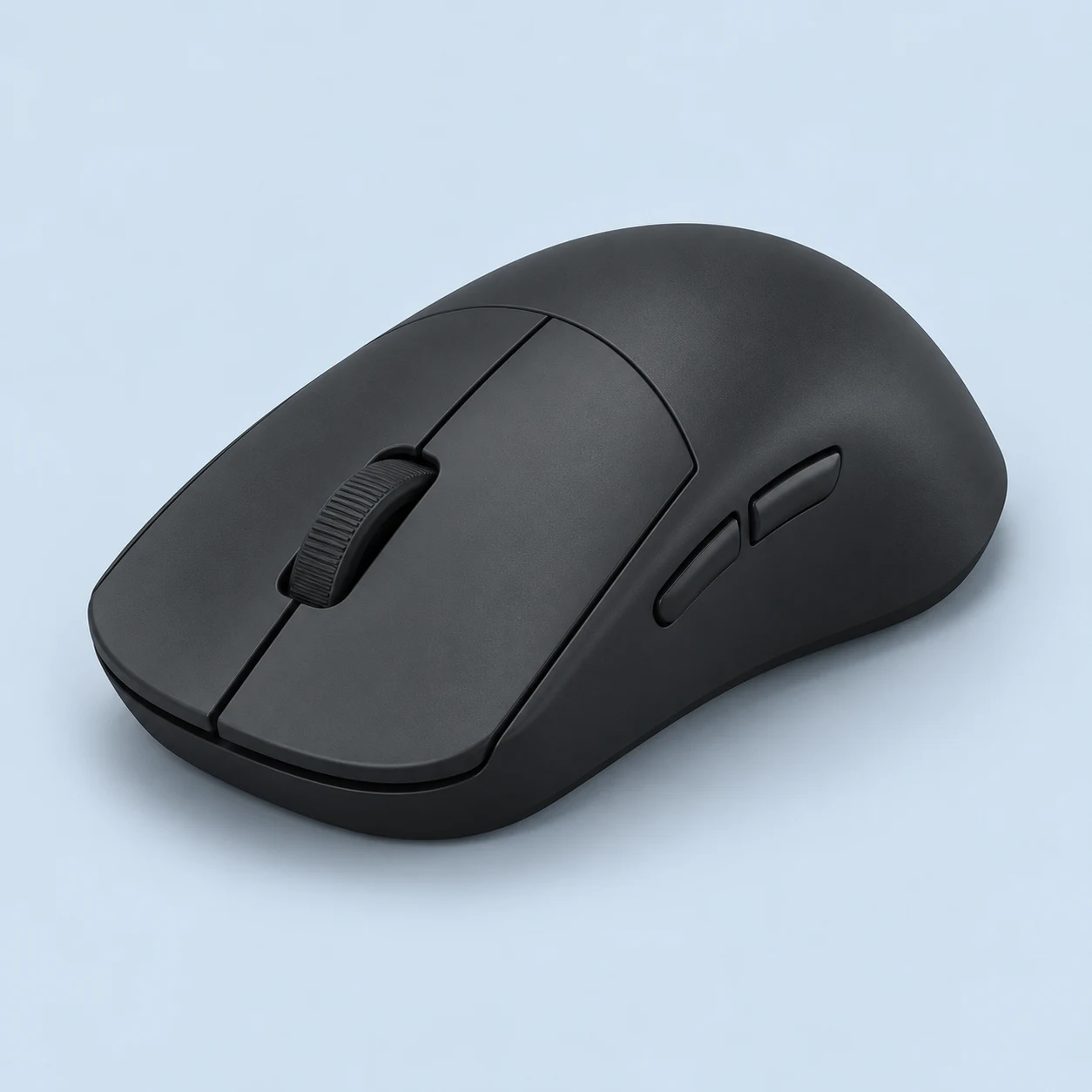
ATLANTIS OG V2 4K is the larger LAMZU Atlantis variant in this catalog, with retained official dimensions of 123 by 66 by 38 mm and a 57 g, plus or minus 2 g, weight claim. PAW3395, Huano mechanical switches and a Silver TTC encoder define the documented build. Its 4K bundle includes the relevant receiver. An older Atlantis family review is not treated as an exact V2 test. Missing runtime and secondary specifications remain empty, while possible later 8K upgrade compatibility needs exact-model confirmation.
The Atlantis OG V2 4K is the larger existing Atlantis option in this catalog. Its 57 g figure is relevant, but compare side contact against the Mini before choosing.
Best For
A buyer deliberately choosing the larger Atlantis shell can use the OG dimensions to compare rear contact and finger reach with a familiar mouse. The included 4K receiver also matters when avoiding a separate accessory purchase for the documented configuration. A keyboard-led competitive setup can make sensible use of a restrained gaming shell without expecting a dense thumb panel. Mechanical-switch preference is another specific reason to compare this version with optical alternatives. This shortlist remains evidence-limited on comfort and runtime, so a purchaser should confirm those personal requirements before treating the model name as enough. Actual stock and warranty should be verified independently of the currently sold-out official listing.
Tradeoffs
A person seeking the smallest Atlantis shell should examine Mini 4K instead. Buyers requiring an independently examined exact V2 shape or a clear battery schedule should wait for stronger evidence rather than adopting original Atlantis results. Someone whose decision depends on 8K support needs model-specific upgrade confirmation and the appropriate receiver. A Bluetooth laptop requirement also remains unresolved here. Finally, an MMO layout with many reachable thumb commands is better addressed by Naga or SCIMITAR hardware; software layers on a restrained shell do not provide the same physical key organization.
Pros
Specific 4K bundle includes the documented reporting receiver.
Official dimensions distinguish the larger OG body from Mini.
Cons
Exact battery conditions and several secondary fields remain unconfirmed.
Manufacturer weight claim does not state cable inclusion.
Key Specs
Weight
57 g
Connection
Wired / Wireless receiver
Maximum polling
4000 Hz
Sensor
PixArt 3395
Manufacturer maxima may require firmware or a separately purchased receiver. See product specifications for conditions.
Atlantis Mini 4K is the smaller documented Atlantis shell, at 117 by 63 by 37 mm and a manufacturer claim of 51 g plus or minus 2 g. Its included receiver enables 4K; an actual RTINGS review also confirms an optional separate 8K upgrade. The same exact review describes a wide rear suited to claw contact and an open underside exposed to debris. No Bluetooth is supported. Unconfirmed battery conditions remain empty, and weight basis is kept distinct from shipping metadata.
The 51 g Mini changes dimensions as well as mass relative to the OG model. It belongs here as an alternative for users seeking less shell volume, not as a guaranteed small-hand fit.
Best For
A claw user seeking a compact body but meaningful rear support can use the exact Mini review as a relevant shape starting point. The official envelope also helps an existing Atlantis owner compare size without assuming a colour variant changes fit. FPS players who want wireless movement and keyboard-led abilities may find the included 4K configuration a practical combination. A clean desk and willingness to monitor the open underside should form part of that decision. Optional 8K can be considered later instead of driving the entire purchase. Battery scheduling still needs stronger exact evidence, and comfort should be judged through the wide rear as well as overall length.
Tradeoffs
A person who dislikes exposed internals or expects a sealed underside should compare a solid-shell alternative. Bluetooth multi-device work is not supported, and a productivity wheel with tilt or free-spin needs another platform. Larger-hand users wanting fuller palm contact should compare OG dimensions before choosing Mini simply for its lower mass claim. Someone requiring the optional 8K ceiling must purchase the compatible receiver rather than expect it in the stock bundle. Buyers with battery-critical travel needs should also resolve runtime first; a wireless label alone does not establish a dependable charging interval.
Pros
Included 4K receiver avoids an accessory purchase for stock high-rate operation.
Actual Mini review confirms a separate 8K upgrade path.
Cons
Open underside exposes the interior to dust and debris.
No Bluetooth or free-scroll/tilt productivity wheel.
Key Specs
Weight
51 g
Connection
Wired / Wireless receiver
Maximum polling
8000 Hz
Sensor
PixArt 3395
Manufacturer maxima may require firmware or a separately purchased receiver. See product specifications for conditions.
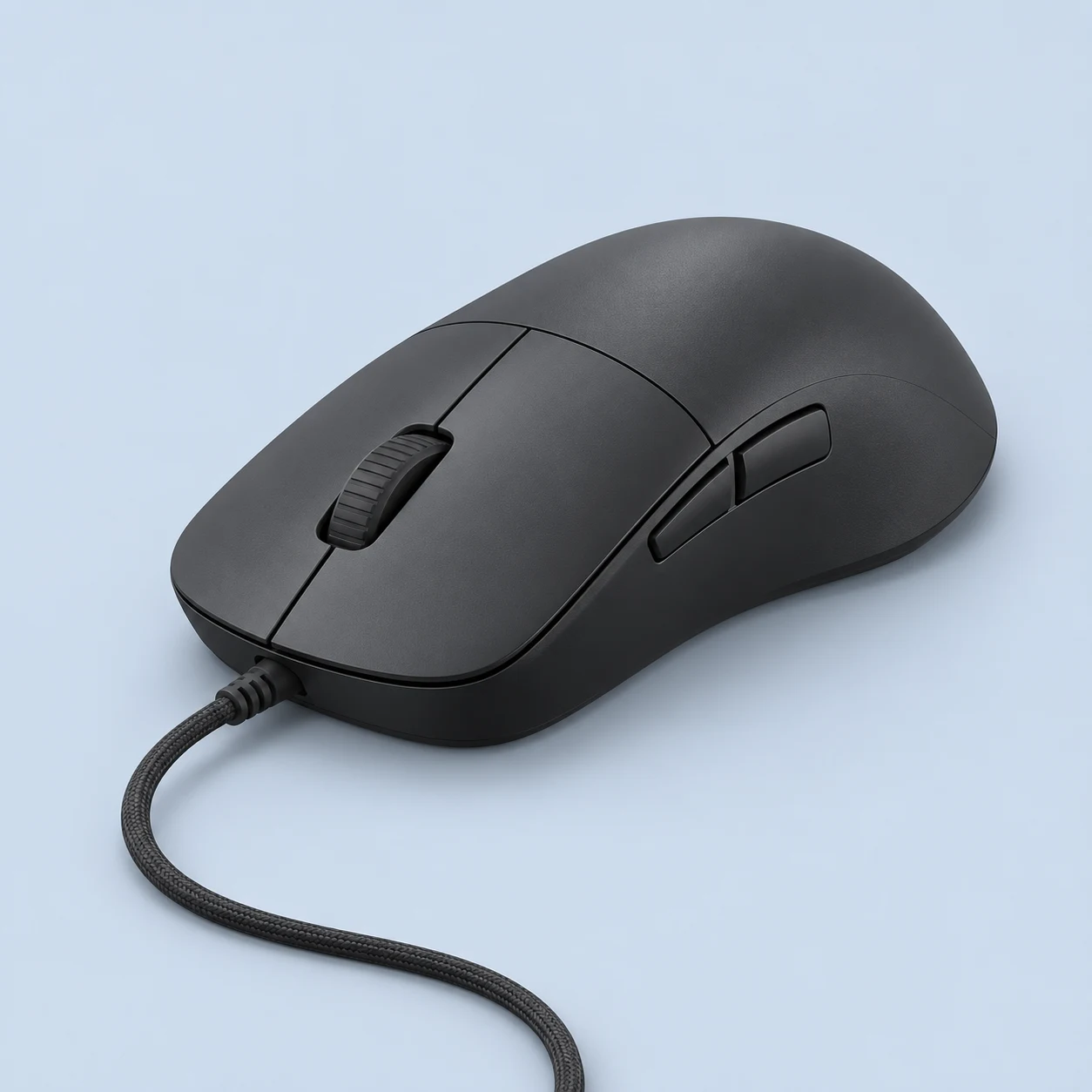
XM2 8k v2 is Endgame Gear's broader wired claw-oriented design, with approximate 122 by 66 by 38 mm dimensions and a 51.5 g manufacturer claim. PAW3950, Kailh GX mechanical switches and a dustproof Kailh encoder are documented for this generation. Its58.8 mm grip width is distinct from the 66 mm maximum shell width. Wired8K eliminates battery scheduling, while cable routing remains part of the setup. The official page's stray wireless-family wording is not treated as evidence that this particular mouse operates wirelessly.
The documented 51.5 g XM2 8K v2 provides a cable-powered choice with its own shell proportions. Grip contact and cable tolerance should decide whether it suits your claw technique.
Best For
A medium-to-large-hand claw user wanting a broader rear and side contact can compare XM2's documented outline with OP1. Endgame Gear's official positioning provides a reasonable reason to investigate that shape without guaranteeing fit. A desk already arranged for wired input can benefit from avoiding receiver placement and rechargeable routines. Mechanical-switch preference also makes this model distinct from optical wired alternatives. Most commands should remain keyboard-led when a player needs more than the restrained side layout. The lower reporting options can serve games that do not need 8K. Evaluate actual local price and the confirmed v2 identity, rather than treating a similar original XM2 listing as interchangeable hardware.
Tradeoffs
Someone seeking the narrowest Endgame Gear body should compare OP1 rather than assume the two shapes differ only in weight. A wireless-only setup needs a different product, regardless of a stray wireless-family heading on the official page. Left-handed secondary-button requirements should also be confirmed independently of a symmetrical outline. A command-heavy MMO user needs a more accessible grid than two side controls. Finally, a buyer who requires an independent exact-v2 grip examination should recognize the present evidence limit and seek clearer fit assurance before relying solely on official medium-to-large-hand marketing.
Pros
Broader official shell provides a distinct contact option from OP1.
Wired8K and lower reporting choices are documented.
Cons
Permanent cable must be managed on the desk.
Six-control count includes an underside configuration button.
Key Specs
Weight
51.5 g
Connection
Wired
Maximum polling
8000 Hz
Sensor
PixArt PAW3950
Manufacturer maxima may require firmware or a separately purchased receiver. See product specifications for conditions.
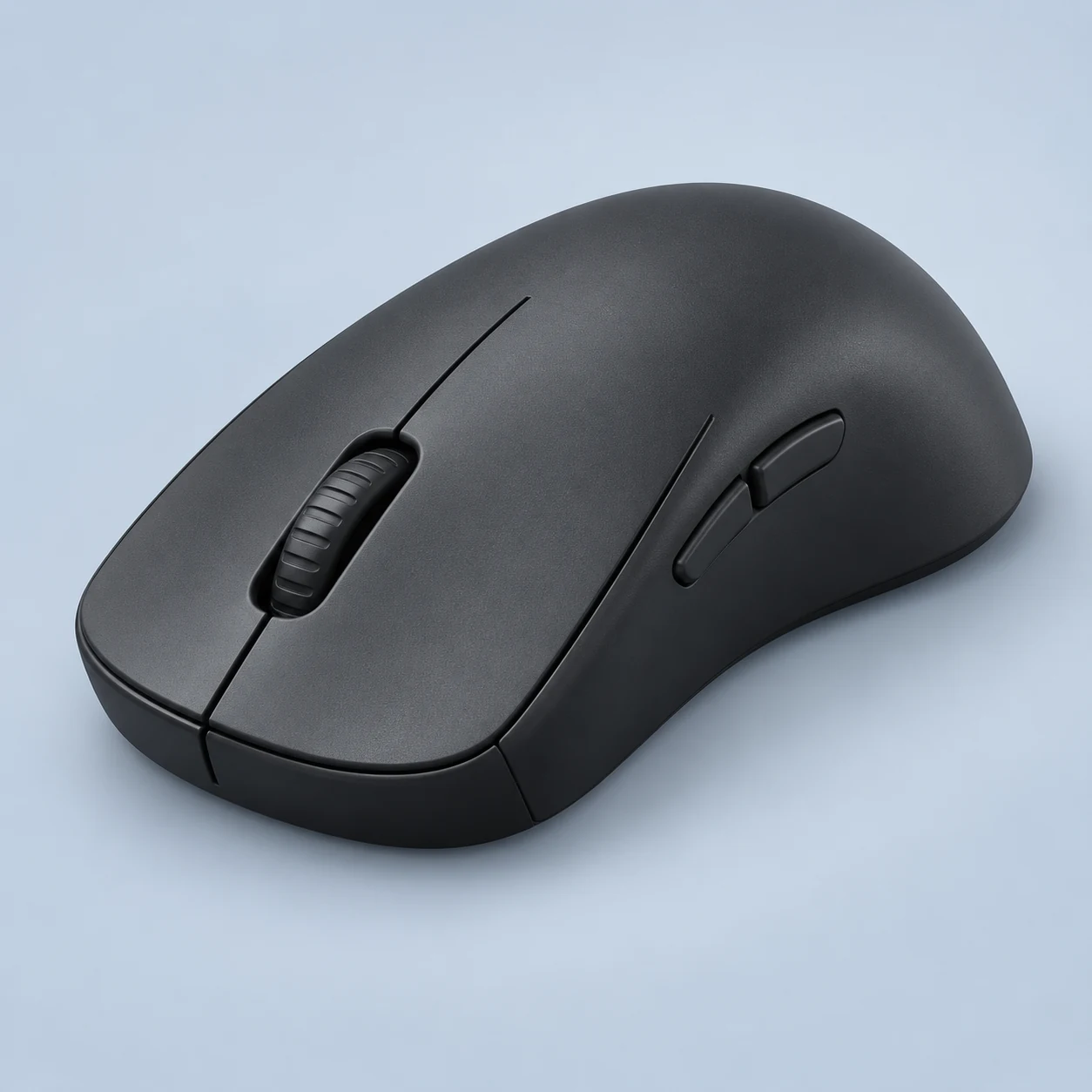
ZOWIE's U2-DW is a 60 g wireless mouse built around a narrow waist, pronounced rear support and physical configuration controls. Its included enhanced receiver enables reporting up to 4,000 Hz and doubles as a charging dock. ProSettings' specific DW review identifies a PAW3950 sensor and mechanical Huano switches, while emphasizing claw contact. The driverless approach removes a configuration-software dependency, but also limits elaborate software macros. Reported runtime changes substantially between 1K and 4K, making receiver placement and charging habits meaningful purchase considerations.
The U2-DW gives a different documented shape and 60 g body to compare. The research page explains finger and palm contact without assigning invented numerical fit scores.
Best For
Claw-oriented FPS players who value a pronounced rear anchor and inward side contact have a specific reason to shortlist U2-DW. Its configuration buttons are useful when a tournament or shared computer should not need personal software installed. The included dock can make short charging sessions convenient between play sessions, provided the desk has space for its receiver location. A person who wants to select a stable sensitivity once and leave it onboard may appreciate the restrained control philosophy. This is a shape and workflow choice rather than a promise of better aim. Hand size and finger curl still determine whether those concave sides feel supportive or unnecessarily restrictive.
Tradeoffs
A buyer wanting a low, unobtrusive shell should compare FK2-DW instead of assuming both ZOWIE symmetrical bodies make the same contact. Right-handed palm support is better explored through EC2-DW. Macro-dependent MMO play needs a richer software and button platform. Users unwilling to charge at the documented 4K interval can lower reporting or examine a longer-runtime configuration elsewhere. Finally, a quiet, soft wheel preference deserves attention because the physical review flags a firmer, louder scroll action. Dock convenience alone cannot settle those fit and control preferences.
Pros
Included enhanced receiver supports 4K and dock charging.
Onboard settings avoid a required configuration suite.
Cons
High-rate manufacturer runtime falls to 24 hours at 4K.
Independent review describes a firm, louder scroll wheel.
Key Specs
Weight
60 g
Connection
Wireless receiver
Maximum polling
4000 Hz
Sensor
PAW3950
Manufacturer maxima may require firmware or a separately purchased receiver. See product specifications for conditions.
 Illustration