Affiliate Disclosure: purchases through affiliate links may earn a commission. Commission and buying-channel priority do not determine editorial rankings. Read the disclosure ↗
How We Chose · Methodology
Editorial selection compares official specifications and the existing published product research, including cited independent reviews where available. We prioritize shell and control requirements for this guide, disclose unknown values and receiver or firmware conditions, and do not claim hands-on tests. Position is an editorial field; merchant availability, affiliate commission and channel priority do not affect inclusion or order.
US buyers building a budget shortlist. Selection uses documented US launch MSRP below $100, not live offers or a promise of today’s price. Availability, variants, discounts and shipping can change; confirm the final new-product price before buying.
Budget eligibility and price sources
This shortlist uses historical US launch MSRP below $100. It does not claim these products are in stock or currently below $100. Check the exact edition and final merchant price; no Amazon price is reproduced.
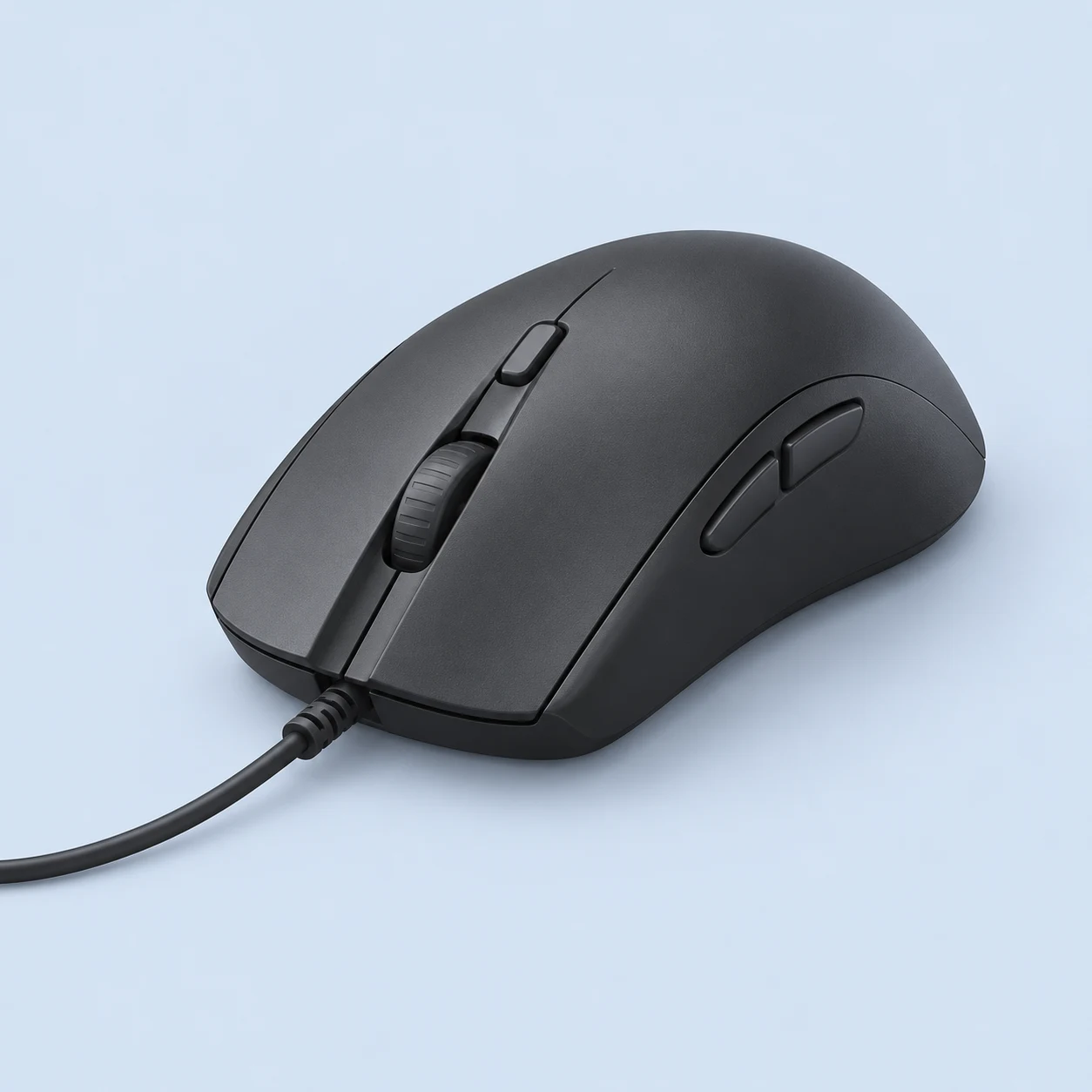
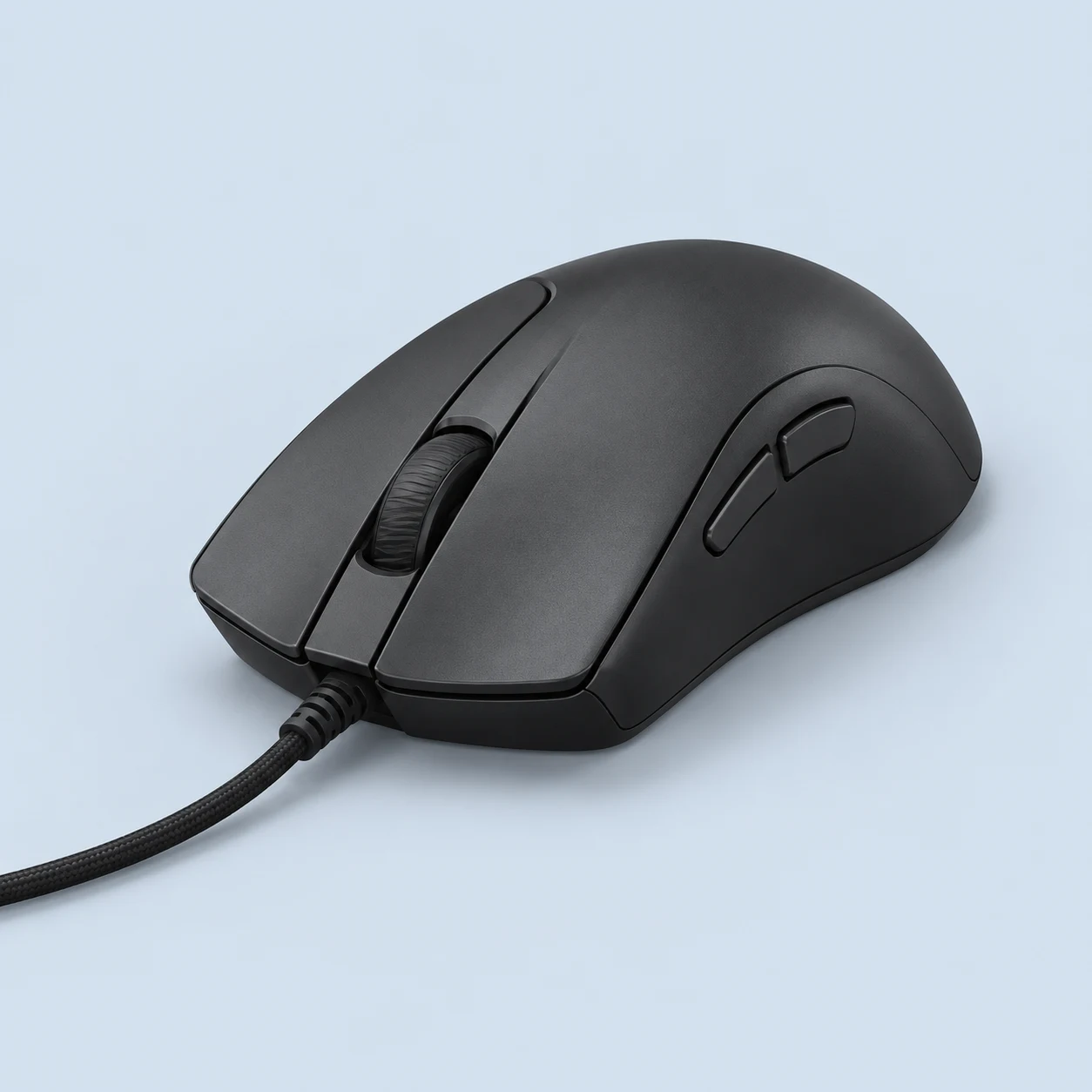
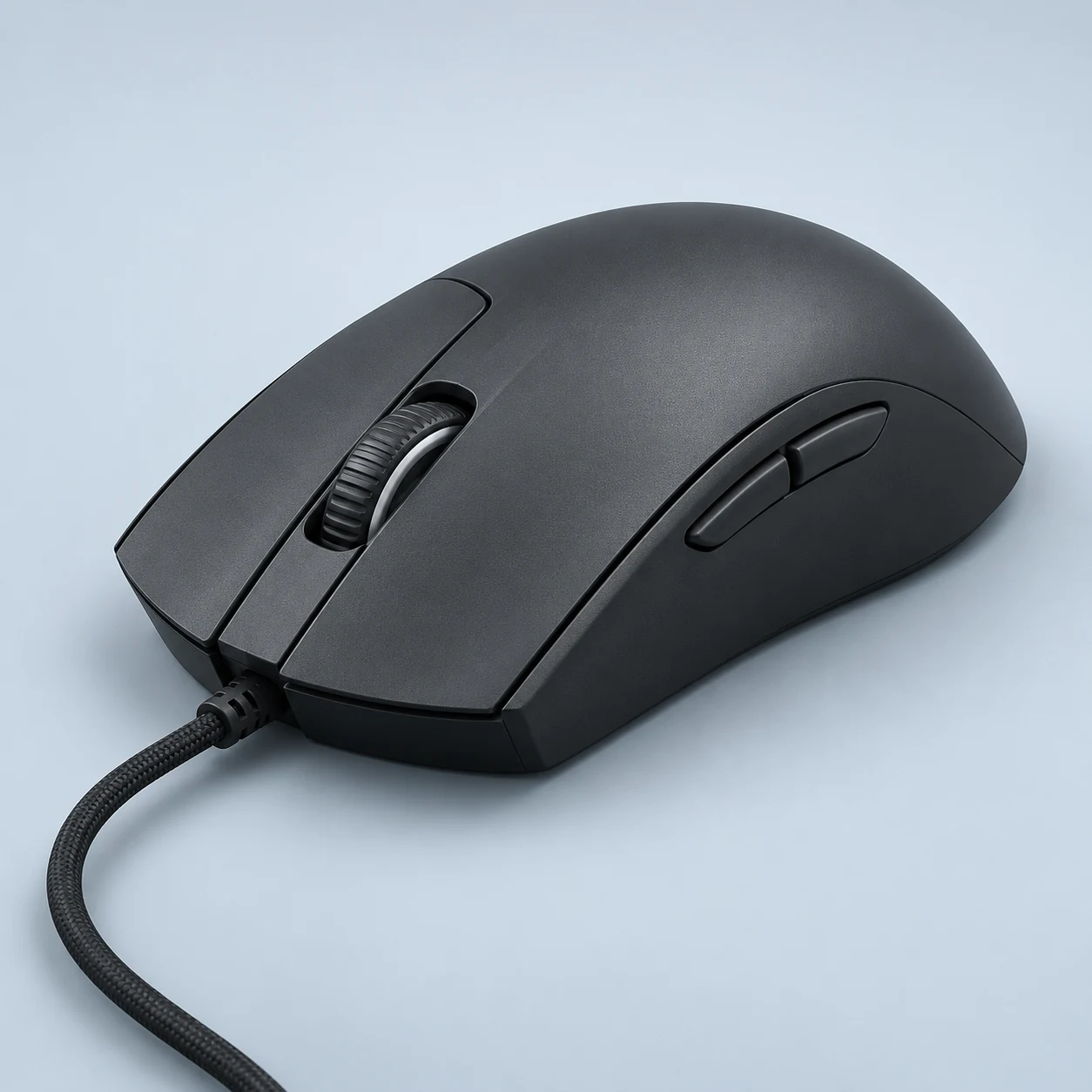
The wired Pulsefire Haste 2 keeps a solid symmetrical shell while prioritizing low mouse-only weight and high-rate USB input. This record uses black SKU 6N0A7AA, specified at 52 g without its cable and 75 g including it. The HyperX 26K sensor, six programmable buttons and up to 8,000 Hz polling serve aim-focused gaming without a charging schedule. Cable routing remains part of the purchase decision, and the similarly named wireless version must be evaluated as separate hardware.
The documented US launch MSRP is $59.99. Its 52 g body and 8K maximum provide a wired option; this historical price basis does not guarantee a current checkout price.
Best For
Desk-based FPS players who are happy with a wired connection have a concrete reason to compare the Haste 2 against light wireless models. It removes the question of when to charge, while retaining a documented 8K option for a suitable PC and game. RTINGS's medium/larger-hand and broad-grip assessment provides useful context for the symmetrical shell, rather than a numerical comfort guarantee. General gaming also fits its six-button arrangement when keyboard commands remain central. The purchase decision should include cable placement, available USB connection and whether the software settings are useful on your system. A live merchant price is not established here; the launch MSRP is historical context, not a claim that a current offer is available at that amount.
Tradeoffs
Anyone who needs cable-free movement should begin with the separate Haste 2 Wireless or Viper V3 Pro rather than assume the wired model includes a receiver. Bluetooth switching is also unavailable. A buyer with particularly small hands should compare the full-size shell with a smaller product instead of relying on its low weight to solve reach. For a large thumb-led MMO action bar, the SCIMITAR RGB ELITE has a different command layout. Finally, users unwilling to configure software or check system support should not select the Haste 2 solely for its 8K headline; the ordinary default report rate is a valid operating mode.
Pros
The black mouse-only specification is 52 g with a solid rather than perforated upper shell.
USB polling is configurable up to 8,000 Hz, with the default 1K rate documented.
Cons
The permanently attached cable must be routed around the desk and is not a wireless fallback.
Mouse-only weight does not include the cable’s mass or its effect on routing.
Key Specs
Weight
52 g
Connection
Wired
Maximum polling
8000 Hz
Sensor
HyperX 26K
Manufacturer maxima may require firmware or a separately purchased receiver. See product specifications for conditions.
The wired Rival 3 Gen 2 is a moderate-weight, RGB-equipped gaming mouse with an improved paracord-style cable and PTFE feet. SteelSeries identifies a 77 g symmetrical body, TrueMove Core 8.5K sensor and mechanical main switches. RTINGS' public review supports a claw or fingertip direction, particularly for medium hands, and confirms 1,000 Hz reporting. This is the wired model: the Wireless Gen 2 has a different power arrangement and must not supply missing measurements for this page.
SteelSeries announced a $34.99 US MSRP for the wired Gen 2. The catalog records a 77 g body and 1K maximum; confirm the wired edition and current merchant price.
Best For
Rival 3 Gen 2 deserves consideration when a predictable wired setup and a substantial symmetrical body suit the desk better than battery upkeep. A medium-hand claw or fingertip user has a specific independent shape assessment to compare, rather than a generic promise that every grip will fit. Its modest layout can support shooters, ordinary gaming and keyboard-led ability bindings. The improved cable and feet are relevant when replacing a previous entry-level wired mouse whose cable restricts repositioning. Buyers who like visible lighting can keep that preference without needing to interpret RGB as a performance upgrade. Actual local price still matters; the original budget positioning is context, not a current bargain claim.
Tradeoffs
A player who specifically wants a very low mouse-only weight should compare the wired Pulsefire Haste 2 rather than assuming the Rival's 77 g label means the same thing. Anyone needing a cable-free desk can examine Rival 3 Wireless Gen 2, whose battery tradeoffs belong to its own entry. A fully supported large-hand palm hold is less strongly established than the documented claw/fingertip direction here. Many-button raids or mouse-heavy shortcut workflows call for SCIMITAR hardware instead. None of those alternatives should be selected just because of sensor DPI; the different connection, shell and controls address distinct requirements.
Pros
Official paracord-style cable and PTFE feet address practical movement friction.
Six-button layout offers secondary commands without a dense thumb grid.
Cons
77 g mouse-only weight is higher than many low-weight FPS alternatives.
Permanent wired operation does not provide Bluetooth or receiver freedom.
Key Specs
Weight
77 g
Connection
Wired
Maximum polling
1000 Hz
Sensor
TrueMove Core
Manufacturer maxima may require firmware or a separately purchased receiver. See product specifications for conditions.
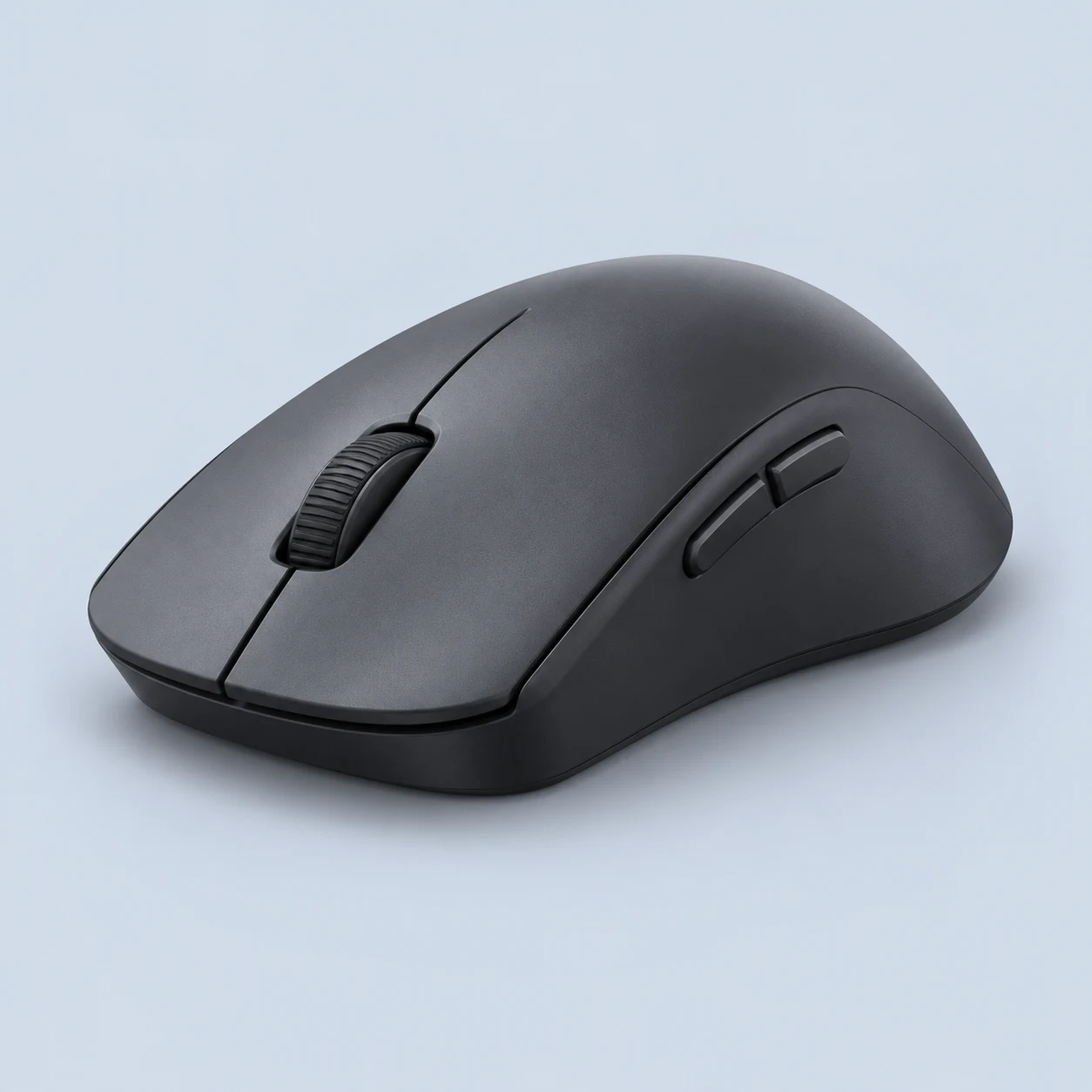
Rival 3 Wireless Gen 2 uses replaceable AAA power with receiver and Bluetooth connections. SteelSeries documents up to 450 hours in Bluetooth, while gaming-receiver runtime has different conditions and claims. Its 95 g one-cell and 106 g two-cell figures make battery choice part of the mass decision. RTINGS describes a substantial shell and medium-hand claw or fingertip suitability. Confirmed 1K reporting and six controls support general gaming, while precise receiver-runtime reconciliation remains under editorial review.
The official launch announcement lists $59.99 US MSRP for Wireless Gen 2. Bluetooth and removable batteries address a different need from the wired model; current pricing is not supplied here.
Best For
A general-gaming user who wants receiver input at a desktop and Bluetooth at another device has a practical reason to consider Gen 2. Replaceable AAA cells may also suit someone who prefers swapping power rather than charging an internal pack. Medium-hand claw or fingertip users can compare the specific independent shape analysis with familiar hardware. Choosing one cell reduces documented operating mass relative to two cells, while changing available energy, so that decision belongs in the setup discussion. Six controls fit keyboard-led games and routine navigation. The 450-hour figure should be considered only as the stated Bluetooth condition; local price and receiver-runtime uncertainty remain relevant before purchase.
Tradeoffs
A competitive player prioritizing low ready-to-play mass should examine a lighter rechargeable model. Someone wanting a single precisely reconciled receiver-runtime claim should wait for clearer conditions instead of treating Bluetooth endurance as gaming endurance. A palm user should compare the low-profile contact against familiar support rather than accept a universal fit statement. Many-button MMO layouts and productivity wheels require different controls. Finally, a buyer avoiding disposable or separately rechargeable cells may prefer a USB-C internal battery, since the replaceable AAA design changes maintenance even though it eliminates an integrated charging schedule.
Pros
Receiver and Bluetooth provide two distinct connection roles.
Replaceable AAA cells avoid dependence on an integrated battery pack.
Cons
Ready-to-use mass is substantial beside lightweight rechargeable mice.
Receiver-runtime claims need condition reconciliation.
Key Specs
Weight
95 g
Connection
Wireless receiver / Bluetooth
Maximum polling
1000 Hz
Sensor
TrueMove Air
Manufacturer maxima may require firmware or a separately purchased receiver. See product specifications for conditions.
The wired Cobra combines a compact symmetrical shell, Gen-3 optical main controls and RGB underglow in a 58 g cable-excluded design. Razer documents an 8,500 DPI optical sensor and a Speedflex cable rather than the wireless features of Cobra Pro. RTINGS places the low-profile shape toward smaller and medium hands and notes minor shell flex as a tradeoff. Six controls keep gaming bindings simple. Its appeal rests on size, cable and switch preferences, not a claim that decorative lighting improves performance.
Razer announced the standard wired Cobra at $39.99 US MSRP. This is the wired Cobra, not Cobra Pro or HyperSpeed; choose the exact edition and check today’s price.
Best For
A smaller or medium-hand player wanting a low-profile wired mouse can use the exact review as a shape starting point. Optical main controls give another concrete reason to compare Cobra with a mechanical alternative. Keyboard-led shooters and ordinary navigation fit its modest button arrangement, while RGB underglow can satisfy a decorative preference without changing the recommendation. A stationary desk that already manages a cable avoids receiver placement or charging. The 58 g cable-excluded claim is useful when comparing mouse bodies on the same basis. Current local price, side contact and construction expectations should remain part of the decision; a shared Cobra name does not make the wireless Pro's capabilities available here.
Tradeoffs
A larger-hand palm user requiring more shell support should compare an ergonomic DeathAdder body. Someone who cannot tolerate a permanent cable needs an actual wireless model, such as Cobra Pro, with separate weight and battery conditions. A mouse-led MMO player needs more dedicated inputs. Users prioritizing the firmest possible side construction should consider the independent flex observation instead of relying only on low mass. Finally, a buyer seeking an 8K setup should examine the separately catalogued wired Haste 2 or OP1 platform, because Cobra's confirmed reporting specification does not promise that configuration.
Pros
58 g figure explicitly excludes the cable.
Gen-3 optical main controls distinguish it from mechanical budget alternatives.
Cons
Permanent cable remains part of desk setup.
Exact public review reports minor shell flex.
Key Specs
Weight
58 g
Connection
Wired
Maximum polling
1000 Hz
Sensor
Razer 8500 DPI optical sensor
Manufacturer maxima may require firmware or a separately purchased receiver. See product specifications for conditions.
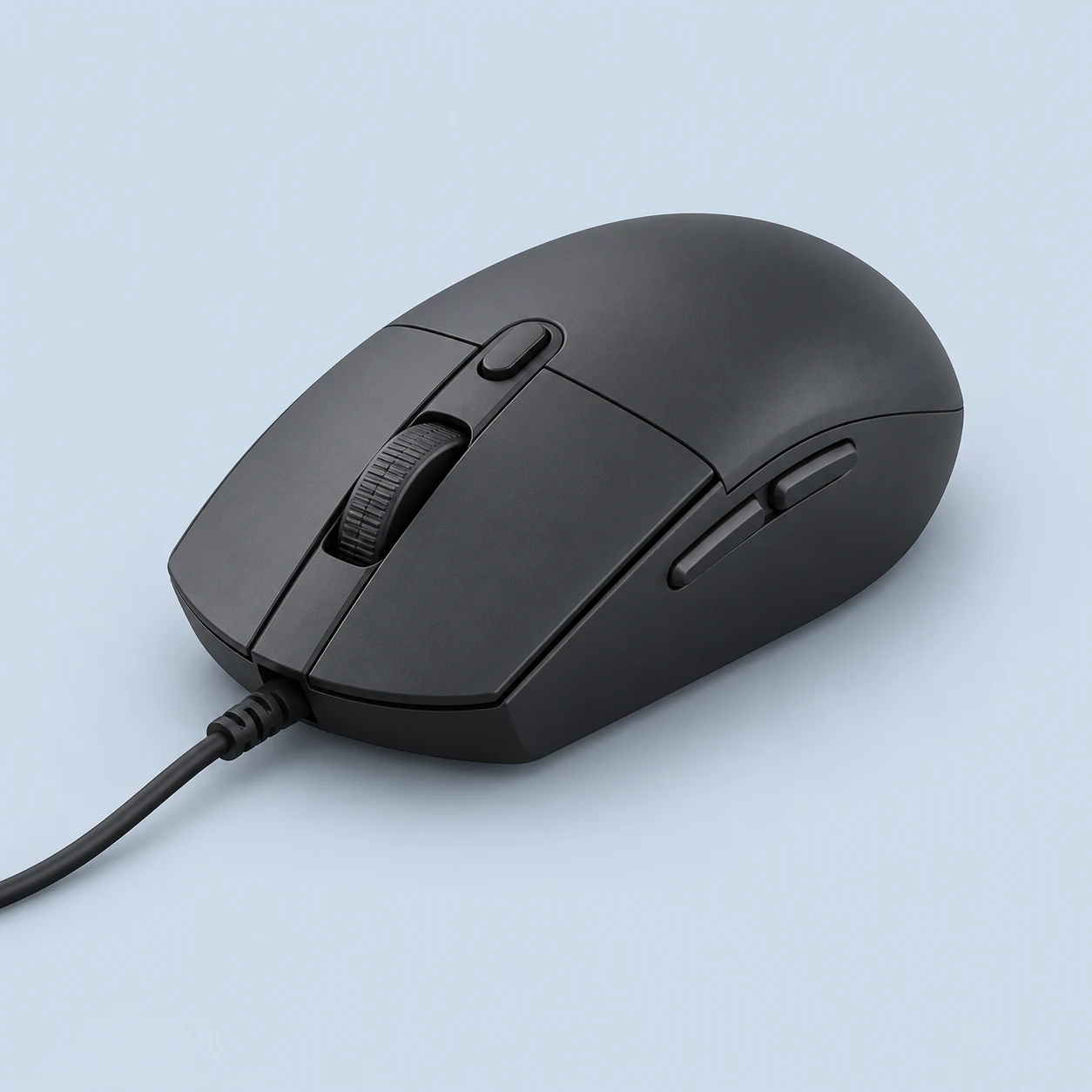
G203 LIGHTSYNC is a compact wired gaming mouse with six buttons, an 8,000 DPI specification and three-zone lighting. Its documented 116.6 mm length makes button reach a more relevant buying question than the RGB effects. RTINGS describes a shape that works particularly well for smaller hands, while larger hands can investigate fingertip use. The permanent cable and restrained side layout suit a straightforward gaming desk. Unknown sensor identity and internal component details remain empty rather than being borrowed from another G203 generation.
Logitech’s official launch release documents $39.99 US MSRP for G203 LIGHTSYNC. The six-button wired layout provides a distinct entry-level option; that launch price is not a live offer.
Best For
A small-hand player looking for a compact wired body has a clear reason to examine G203 LIGHTSYNC. Its six controls suit keyboard-led shooters and ordinary navigation without a dense thumb panel. A macOS user who values supported configuration can compare the inspected G HUB compatibility with competing budget products whose software is Windows-only. RGB customization provides another preference-based distinction without needing to influence any gaming recommendation. Larger-hand fingertip users can also investigate the short shape, provided reach is checked against familiar hardware. The absence of wireless charging decisions may appeal on a permanent desktop. Actual local price should determine value, since this page does not claim a reliable current deal.
Tradeoffs
A larger-hand palm user should compare the full-size DeathAdder Essential rather than assume every small symmetrical body offers enough support. Someone avoiding a cable can examine G305, accepting its replaceable battery and different mass. An MMO player requiring many thumb commands needs a different control layout. Productivity users who depend on wheel tilt or free-spin should also look elsewhere. Finally, a purchase based on a particular named sensor should wait for exact LIGHTSYNC component evidence; a sensitivity headline or an older G203 review does not establish that internal identity.
Pros
Short documented shell gives small-hand users a distinct option.
G HUB configuration supports Windows and macOS in the inspected review.
Cons
Larger-hand palm or claw support can be limited.
Permanent cable needs practical routing.
Key Specs
Weight
85 g
Connection
Wired
Maximum polling
1000 Hz
Sensor
Not verified
Manufacturer maxima may require firmware or a separately purchased receiver. See product specifications for conditions.
 Illustration