Players choosing across FPS, general gaming and mouse-heavy command layouts. Compare our source-backed shortlist, practical tradeoffs and documented alternatives.
Last Updated: 10/4/2026
This page contains affiliate links. We may earn a commission if you make a purchase, at no additional cost to you.
As an Amazon Associate I earn from qualifying purchases.
Affiliate Disclosure: purchases through affiliate links may earn a commission. Commission and buying-channel priority do not determine editorial rankings. Read the disclosure ↗
How We Chose · Methodology
Editorial selection compares official specifications and the existing published product research, including cited independent reviews where available. We prioritize shell and control requirements for this guide, disclose unknown values and receiver or firmware conditions, and do not claim hands-on tests. Position is an editorial field; merchant availability, affiliate commission and channel priority do not affect inclusion or order.
Players choosing across FPS, general gaming and mouse-heavy command layouts. Start with the type of controls you need, then compare shell dimensions rather than buying on a sensor headline.
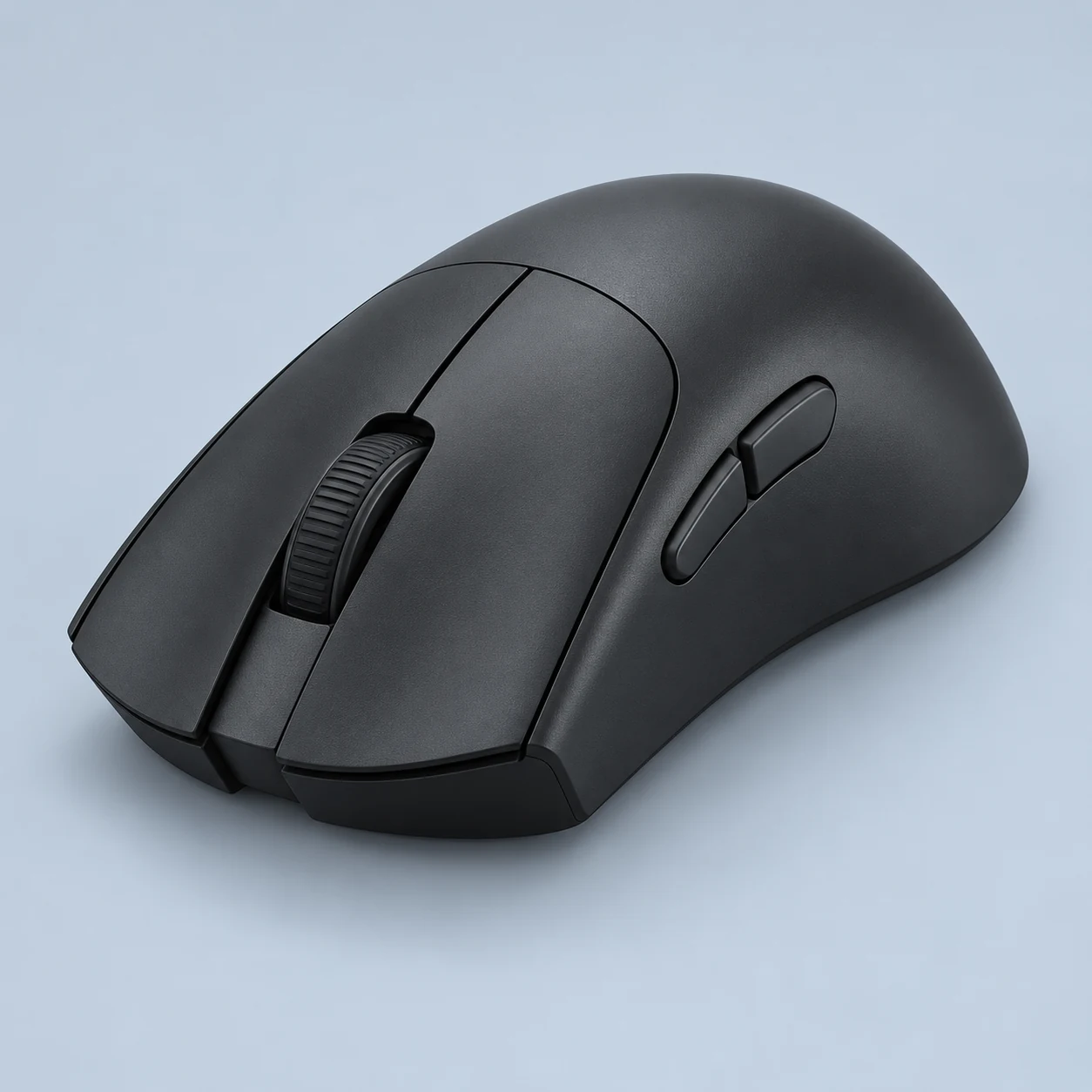
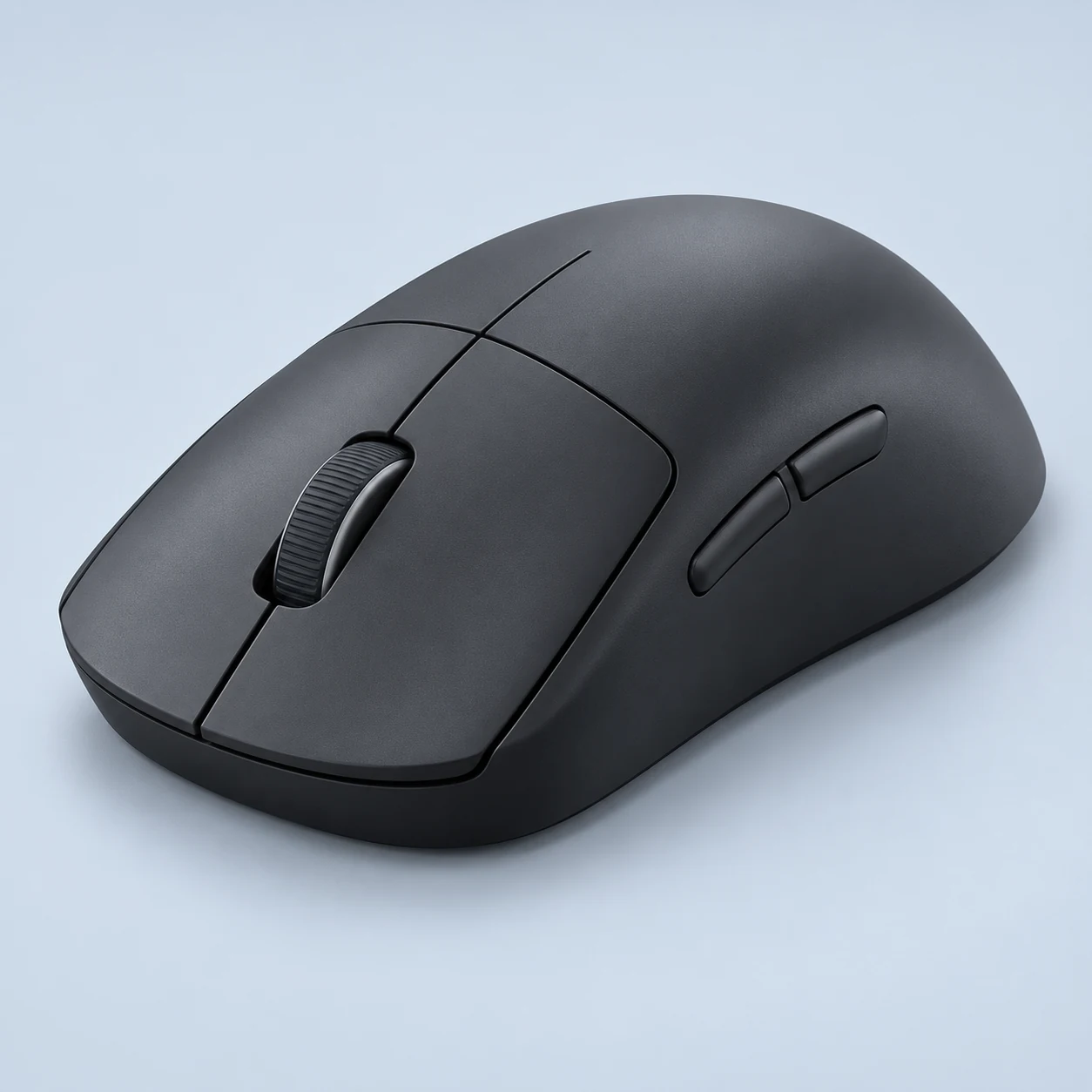
The PRO X SUPERLIGHT 2 concentrates on low-weight wireless control rather than a large command layout. Logitech documents a 60 g shell, HERO 2 sensor and LIGHTFORCE main switches, with current support information confirming 8,000 Hz wireless reporting and USB-C charging. Its broadly symmetrical shape makes it a starting point for players comparing grip preferences. Five buttons and receiver-only wireless connectivity keep the purpose clear: competitive aiming, with fewer conveniences for extensive macros or multi-device work.
Its documented 60 g shell, five-button layout and current 8K support provide a focused rechargeable option. The restrained controls are useful when most commands stay on the keyboard; a thumb-grid mouse serves a different role.
Best For
Players moving between Valorant, CS2 and other aim-focused games can consider the SUPERLIGHT 2 when a rechargeable receiver connection and a restrained button layout suit their setup. The documented low shell weight is relevant to repeated repositioning, while the broad shape assessment from RTINGS makes it worth comparing before choosing a more specialized shell. It can also serve general gaming when most abilities stay on the keyboard. The decision to use 8K should follow stable frame delivery and compatibility checks on your own PC; there is no need to run the highest rate solely because it is available. Prioritize comfortable reach to the left-side controls and an acceptable charging routine over nominal DPI or esports branding.
Tradeoffs
A dedicated MMO user who wants a thumb grid should begin with the Naga V3 Pro or SCIMITAR RGB ELITE instead of trying to turn five buttons into a complete action bar. People who require Bluetooth for a second computer also need a different model. A strongly sloped right-handed shell may better suit someone who dislikes symmetrical contact points; the DeathAdder V3 Pro is an existing alternative to compare. If keeping a battery charged is itself inconvenient, the wired Pulsefire Haste 2 offers a different ownership tradeoff. None of these alternatives is universally better: each changes a particular constraint.
Pros
Manufacturer-listed 60 g mouse keeps the shell light without a permanently attached cable.
Current official support confirms 8,000 Hz reporting rather than limiting the listing to its launch configuration.
Cons
No Bluetooth connection for switching to a receiver-free laptop or tablet.
Five buttons provide less command access than the existing Naga and Scimitar MMO models.
Key Specs
Weight
60 g
Connection
Wired / Wireless receiver
Maximum polling
8000 Hz
Sensor
HERO 2
Manufacturer maxima may require firmware or a separately purchased receiver. See product specifications for conditions.
The DeathAdder V3 Pro combines a sloped right-handed shell with a lightweight rechargeable design for aim-focused gaming. This entry covers the original black Classic Base edition, specified at 63 g excluding its cable, with a Focus Pro 30K sensor and Gen-3 optical main switches. High-rate wireless reporting requires an optional HyperPolling receiver. Its relatively large shape and small button layout make it a different ergonomic choice from a symmetrical Viper or a multi-button Naga.
The sloped right-handed shell changes palm contact relative to symmetrical FPS mice. Official 63 g weight supports a lightweight shortlist without turning its maximum polling into a comfort guarantee.
Best For
A right-handed FPS player who prefers pronounced palm contact has a specific reason to investigate the DeathAdder V3 Pro. RTINGS's larger-hand and palm/claw assessment is more relevant to this decision than a generic claim that any lightweight mouse suits every grip. It can also support keyboard-led MOBA or mixed gaming where only a few mouse bindings are needed. Buyers should first decide whether the original receiver package is sufficient; the highest-rate mode brings both an accessory requirement and a shorter manufacturer runtime. The V3 Pro is particularly useful as a shape comparison against the Viper V3 Pro or SUPERLIGHT 2, rather than as an automatic upgrade based on weight, brand loyalty or DPI.
Tradeoffs
Small-hand users or people who deliberately use a compact fingertip grip should be cautious about the 128 mm body and taller right-handed shell. The smaller DeathAdder V3 HyperSpeed changes that ergonomic constraint, while a symmetrical Viper changes the contact profile. A buyer needing an MMO thumb grid should compare the Naga family instead of expecting the five-button DeathAdder to replace many keyboard commands. Bluetooth-dependent setups also need another device. If the original package's optional high-rate receiver makes the purchase too complicated, decide whether 1K is sufficient before assuming that the headline 8K capability must be used.
Pros
Manufacturer-listed 63 g black shell combines a larger right-handed profile with comparatively low weight.
Five programmable buttons keep the main gaming layout simple.
Cons
The original package requires a separate HyperPolling receiver for the stated maximum wireless rate.
Published ergonomic commentary warns that the larger shape can be unsuitable for smaller hands.
Key Specs
Weight
63 g
Connection
Wireless receiver
Maximum polling
8000 Hz
Sensor
Focus Pro 30K Optical
Manufacturer maxima may require firmware or a separately purchased receiver. See product specifications for conditions.
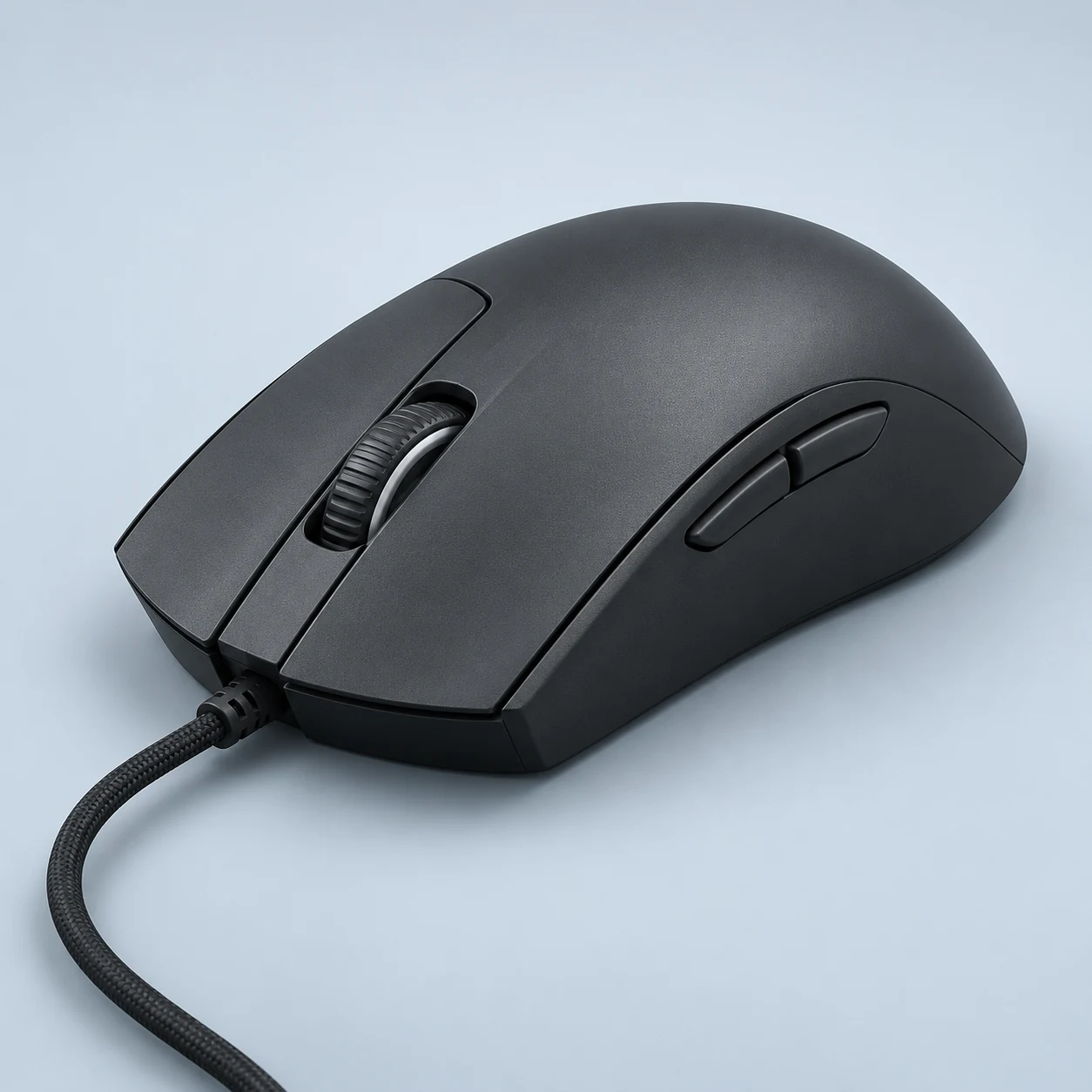
The wired Pulsefire Haste 2 keeps a solid symmetrical shell while prioritizing low mouse-only weight and high-rate USB input. This record uses black SKU 6N0A7AA, specified at 52 g without its cable and 75 g including it. The HyperX 26K sensor, six programmable buttons and up to 8,000 Hz polling serve aim-focused gaming without a charging schedule. Cable routing remains part of the purchase decision, and the similarly named wireless version must be evaluated as separate hardware.
The 52 g wired model combines an 8K maximum report rate with a cable-powered setup. It is a practical alternative for users who prefer not to recharge; cable routing remains part of the decision.
Best For
Desk-based FPS players who are happy with a wired connection have a concrete reason to compare the Haste 2 against light wireless models. It removes the question of when to charge, while retaining a documented 8K option for a suitable PC and game. RTINGS's medium/larger-hand and broad-grip assessment provides useful context for the symmetrical shell, rather than a numerical comfort guarantee. General gaming also fits its six-button arrangement when keyboard commands remain central. The purchase decision should include cable placement, available USB connection and whether the software settings are useful on your system. A live merchant price is not established here; the launch MSRP is historical context, not a claim that a current offer is available at that amount.
Tradeoffs
Anyone who needs cable-free movement should begin with the separate Haste 2 Wireless or Viper V3 Pro rather than assume the wired model includes a receiver. Bluetooth switching is also unavailable. A buyer with particularly small hands should compare the full-size shell with a smaller product instead of relying on its low weight to solve reach. For a large thumb-led MMO action bar, the SCIMITAR RGB ELITE has a different command layout. Finally, users unwilling to configure software or check system support should not select the Haste 2 solely for its 8K headline; the ordinary default report rate is a valid operating mode.
Pros
The black mouse-only specification is 52 g with a solid rather than perforated upper shell.
USB polling is configurable up to 8,000 Hz, with the default 1K rate documented.
Cons
The permanently attached cable must be routed around the desk and is not a wireless fallback.
Mouse-only weight does not include the cable’s mass or its effect on routing.
Key Specs
Weight
52 g
Connection
Wired
Maximum polling
8000 Hz
Sensor
HyperX 26K
Manufacturer maxima may require firmware or a separately purchased receiver. See product specifications for conditions.
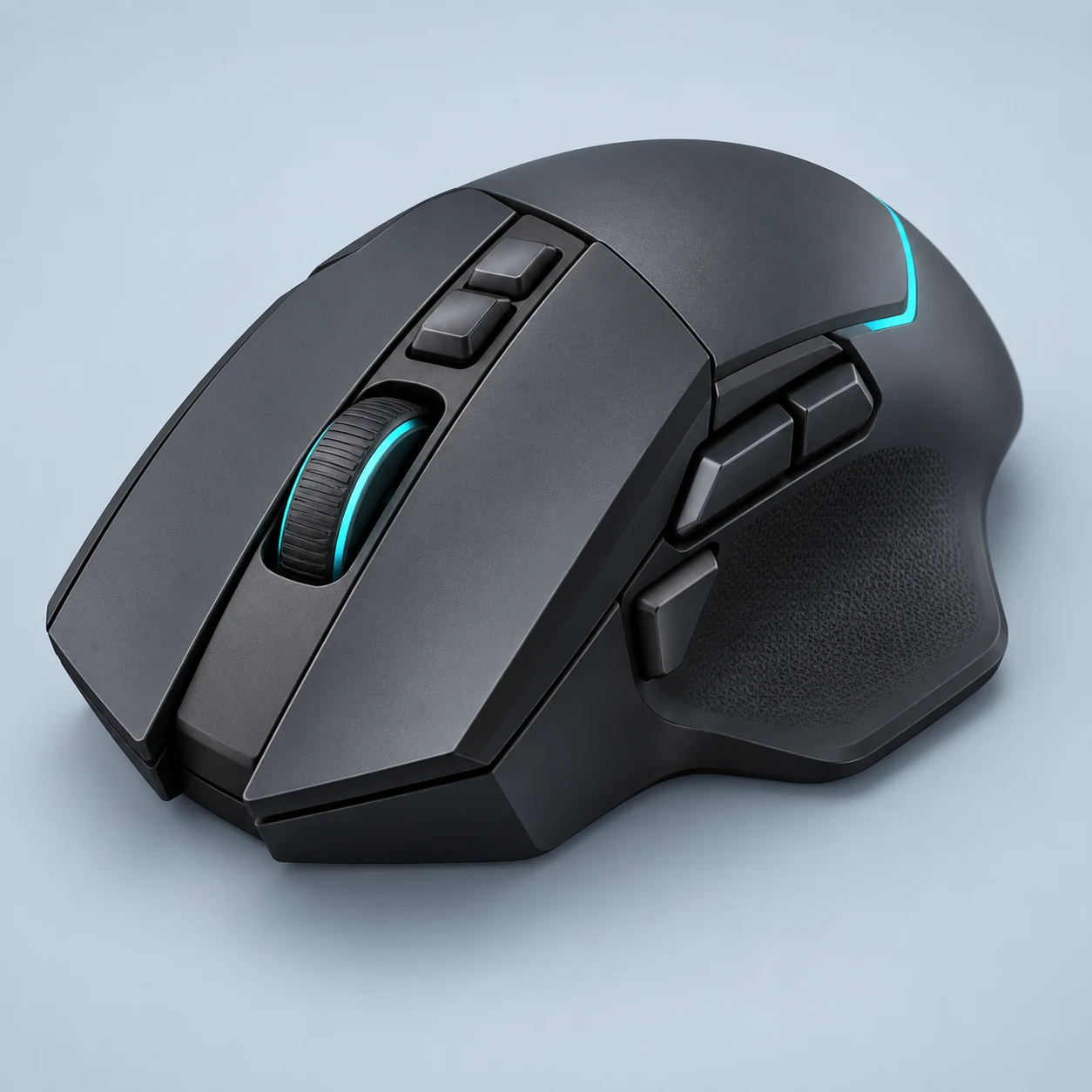
The G502 X PLUS is a rechargeable, right-handed multi-command mouse with LIGHTFORCE main switches and configurable RGB. Its tilting, free-spinning wheel and additional controls make it a different shortlist choice from a stripped-down FPS shell. Logitech documents 106 g, 1K reporting and sharply different battery claims with lighting on or off. Current official sensor descriptions differ by presentation and SKU, so sensor name and maximum DPI stay unconfirmed here. RTINGS also confirms that Bluetooth is absent despite wireless receiver operation.
The 106 g design prioritizes controls rather than the lowest mass. Shortlist it when programmable actions and the G502-style layout matter more than a minimal competitive shell.
Best For
The PLUS is relevant when one mouse must support game bindings and long document navigation. Its scroll modes and extra controls are concrete conveniences for that combined workload, particularly when the user already likes a right-handed thumb-support shape. General gaming with several secondary commands can benefit more from this layout than a player who wants only two side buttons and the lowest possible mass. A buyer comfortable using a USB receiver can choose wireless movement without relying on unsupported Bluetooth assumptions. Lighting preference should be decided alongside battery upkeep: the documented default-lighting runtime is much shorter than the lights-off claim. Compare wheel reach and side-input placement before letting the larger sensor headline dominate the decision.
Tradeoffs
A player who mainly lifts and flicks a low-weight shell in shooters should compare PRO X SUPERLIGHT 2. Someone needing Bluetooth for another computer should consider the original Basilisk V3 Pro instead. The wired G502 X is a useful existing alternative when the same general control concept is attractive but charging and lighting are unnecessary. Do not choose this PLUS entry specifically for a universal 44K claim while official SKU wording remains unresolved. A left-handed setup is also poorly aligned with the documented right-handed shape, regardless of the versatility of software remapping.
Pros
Tilt and free-scroll wheel modes support navigation beyond gaming.
Wireless receiver input removes a permanent movement cable.
Cons
No Bluetooth according to the actual independent review.
106 g is substantial beside dedicated low-weight competitive designs.
Key Specs
Weight
106 g
Connection
Wired / Wireless receiver
Maximum polling
1000 Hz
Sensor
Not verified
Manufacturer maxima may require firmware or a separately purchased receiver. See product specifications for conditions.
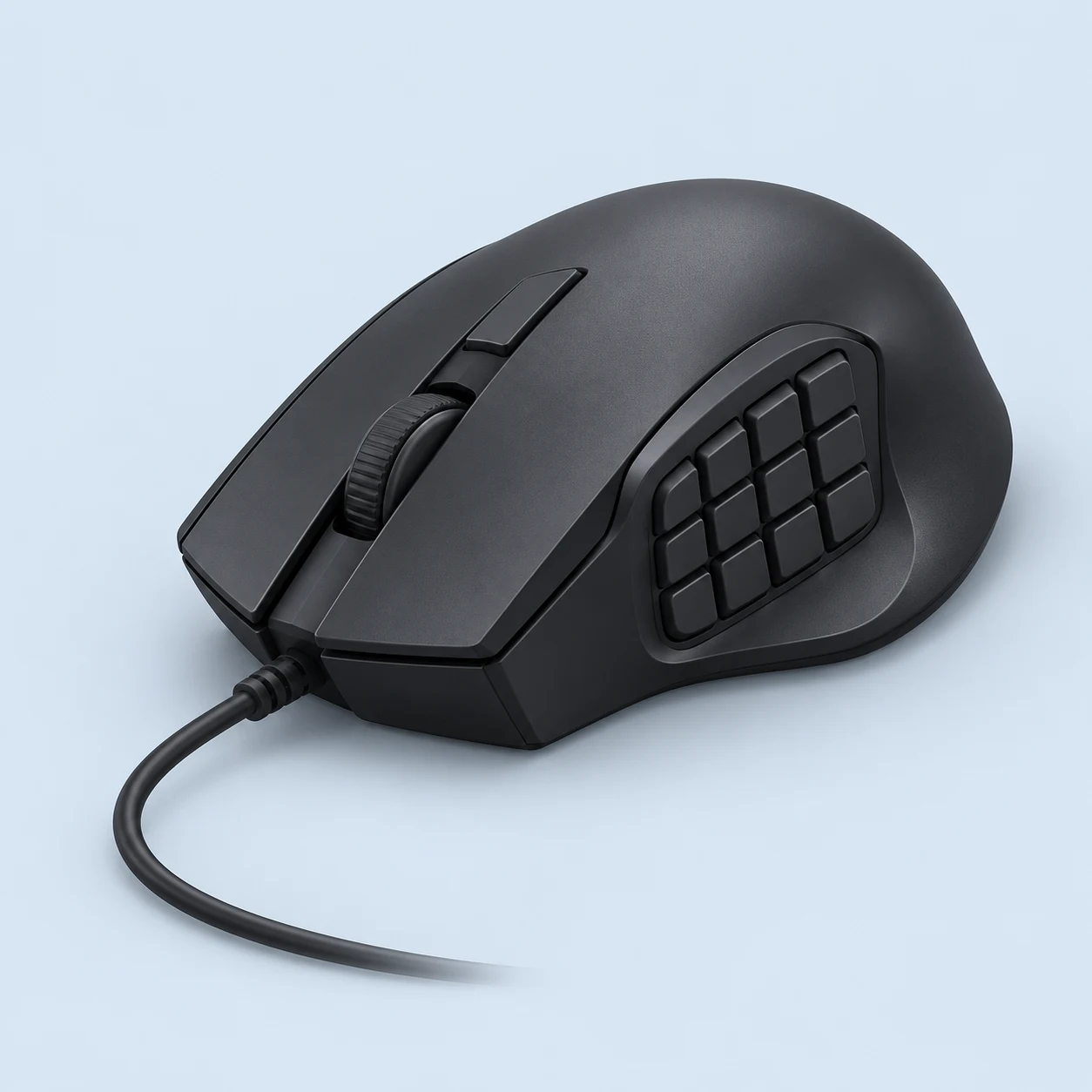
The wired SCIMITAR RGB ELITE concentrates seventeen controls around an adjustable twelve-button thumb panel. Corsair's Key Slider changes the panel's reach without exchanging the mouse's main shell, making command placement its defining purchase question. A PMW3391 sensor and mechanical Omron main switches support the documented hardware platform. APH Networks reports a 122 g cable-excluded measurement, substantially different from a low-weight aiming mouse. This is the wired RGB ELITE SKU, so wireless charging and runtime claims belong to a different product.
Its 12-button side grid and adjustable placement address mouse-led ability bindings. The 122 g body is a substantial tradeoff for someone expecting the movement feel of a light FPS mouse.
Best For
Raid players and mouse-heavy ability users have a specific reason to consider the adjustable command panel. Moving the grid can help place a repeated action set closer to the thumb's normal contact position without requiring a different shell. It is also relevant to someone assigning application shortcuts through Corsair's software who prefers predictable wired power. The supported right-handed shape should be compared alongside the panel movement; reach to the furthest row matters more than simply counting seventeen controls. A user who rarely lifts the mouse aggressively may accept its documented independent weight measurement in exchange for command density. Local selling price and software compatibility still need checking before treating the wired model as a lower-cost alternative to rechargeable MMO hardware.
Tradeoffs
Competitive FPS buyers prioritizing low mouse mass should compare the wired Pulsefire Haste 2 rather than overlooking a 122 g independent measurement. Anyone wanting an untethered desk can examine SCIMITAR ELITE WIRELESS, whose own weight and battery conditions are separate. The Naga V3 Pro is a relevant alternative when interchangeable panel density matters more than sliding a fixed grid. Left-handed users should not assume the SCIMITAR's thumb panel works symmetrically. A person who dislikes assigning and learning many thumb bindings may find a modest two-side-control mouse easier to integrate than this command-focused layout.
Pros
Sliding twelve-button thumb panel allows control reach adjustment.
Seventeen controls provide a documented dense command layout.
Cons
APH reports a relatively stiff cable that needs sensible routing.
Independent 122 g mouse-only measurement is high compared with low-weight FPS shells.
Key Specs
Weight
122 g
Connection
Wired
Maximum polling
Not verified
Sensor
PixArt PMW3391
Manufacturer maxima may require firmware or a separately purchased receiver. See product specifications for conditions.
 Illustration